



Your sounds, under your hands.
Play sample pads, chop your own sounds and build beats in a step sequencer. Switch between banks, record live loops and export your performance as WAV or MIDI. Open it in your browser and keep making music offline.
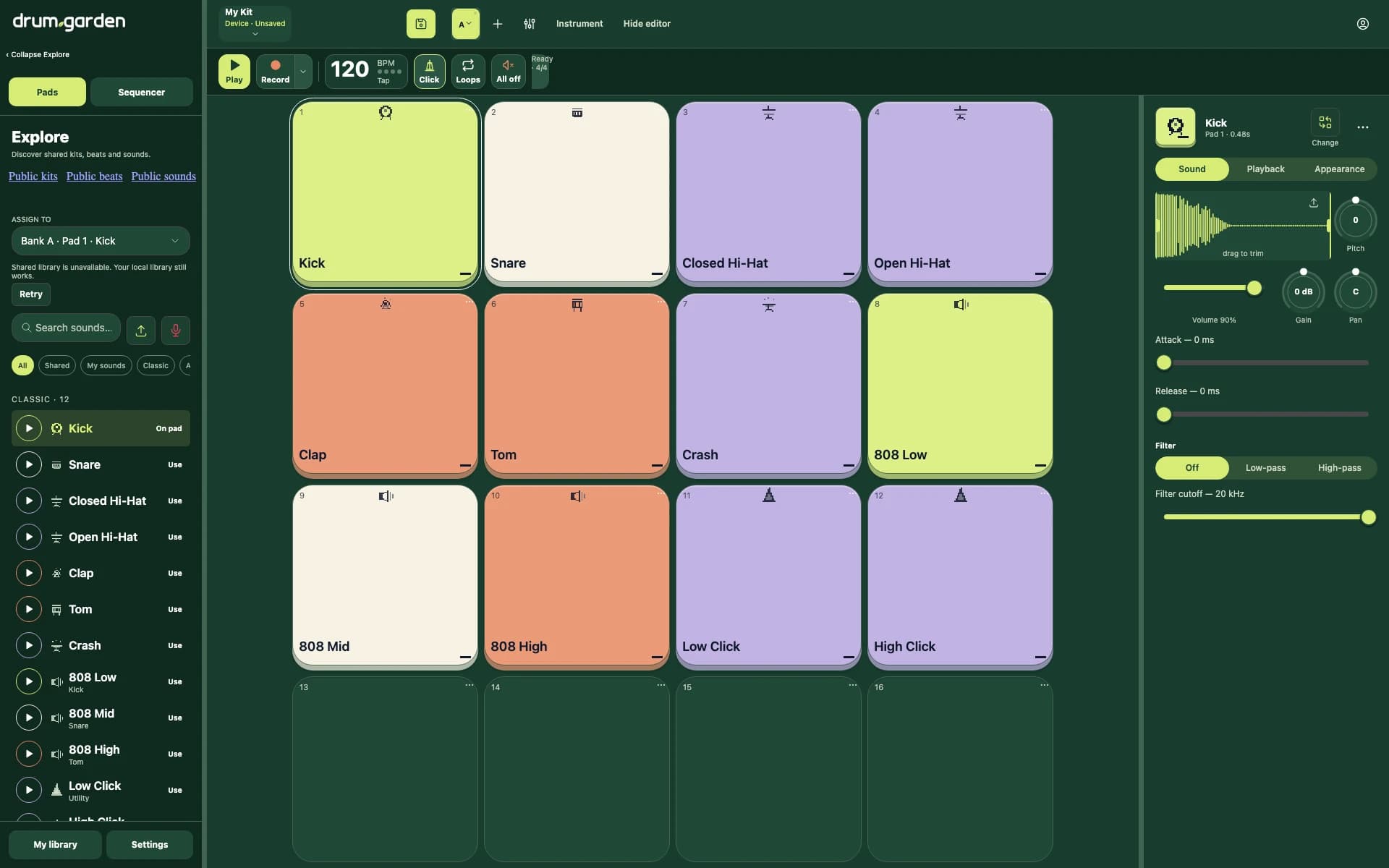
- Play a pad grid with up to eight banks of sounds
- Start with four bundled sound packs or import and record your own samples
- Trim, reverse, filter and chop samples straight onto pads
- Sequence beats with swing, ratchets, probability and changing meters
- Record live loops and export WAV, MIDI or portable kits
- Install the web app and play offline after your first visit
Start with your hands
Tap a pad, use your computer keyboard or connect a Web MIDI controller. Start with Classic, Analog 808, House 909 or Lo-fi, then drag sounds onto pads to make the kit your own. Switch between up to eight banks without stopping the beat, or try Piano and Hex layouts to play one sample across different pitches.
Give the beat a shape
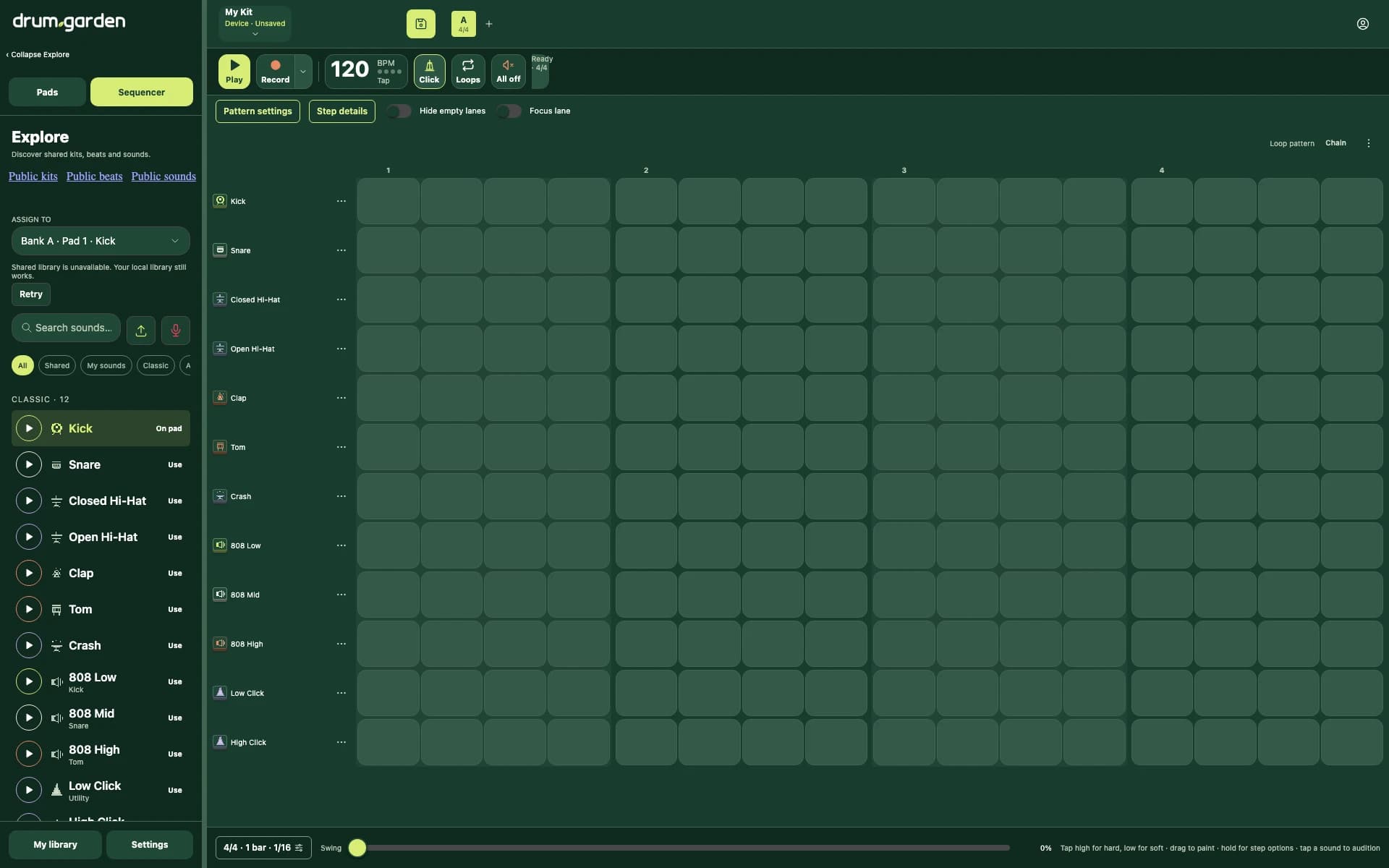
Paint steps into a pattern, set each hit's velocity and add swing. Go further with ratchets, probability, per-lane lengths and triplets against straight rhythms. Chain patterns into a song, with each pattern carrying its own tempo and time signature.
Bring your own sounds
Import an audio file or record from your microphone. Trim the waveform, change its pitch, reverse it, shape its envelope and filter it. Chop a sample into slices and send them to consecutive pads or a bank of their own.
Keep the performance
Record a live pad loop against the metronome, with optional count-in and quantization. Export loops as MIDI or WAV, render a sequence as WAV, or save the whole setup as a portable kit with your imported sounds included. Kits and recordings stay on your device; publishing a kit explicitly uploads it.
Play in your browser
Open drum.garden on your computer, phone or tablet. Install it from your browser for a home-screen app that works offline after one online visit. Web MIDI availability depends on your browser and device.